
Chrome extension · Tab manager
The tab manager that never loses your tabs
Tabmoss backs up every window, tab and tab group as you work, groups messy tabs in one click with private on-device AI, and puts idle tabs to sleep with Chrome's own discarding. No account, no servers.
How it works.
Step 1
Install Tabmoss
It backs up your open tabs right away, then after every change and every few minutes.
Step 2
Click the icon
Group tabs, sleep the rest or save a session.
Step 3
Something went wrong?
Open Backups, pick a moment, press Restore.
Grouped, asleep, rescued.
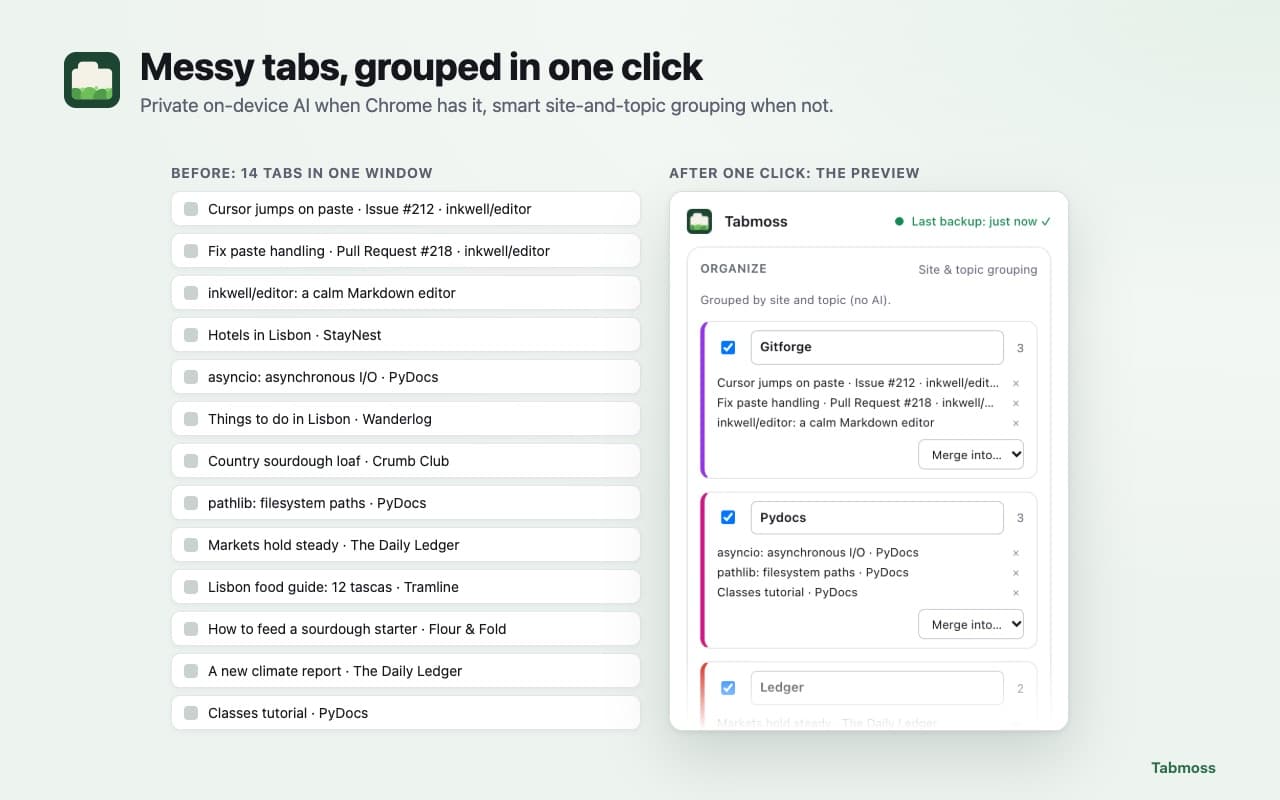
Messy tabs, grouped in one click 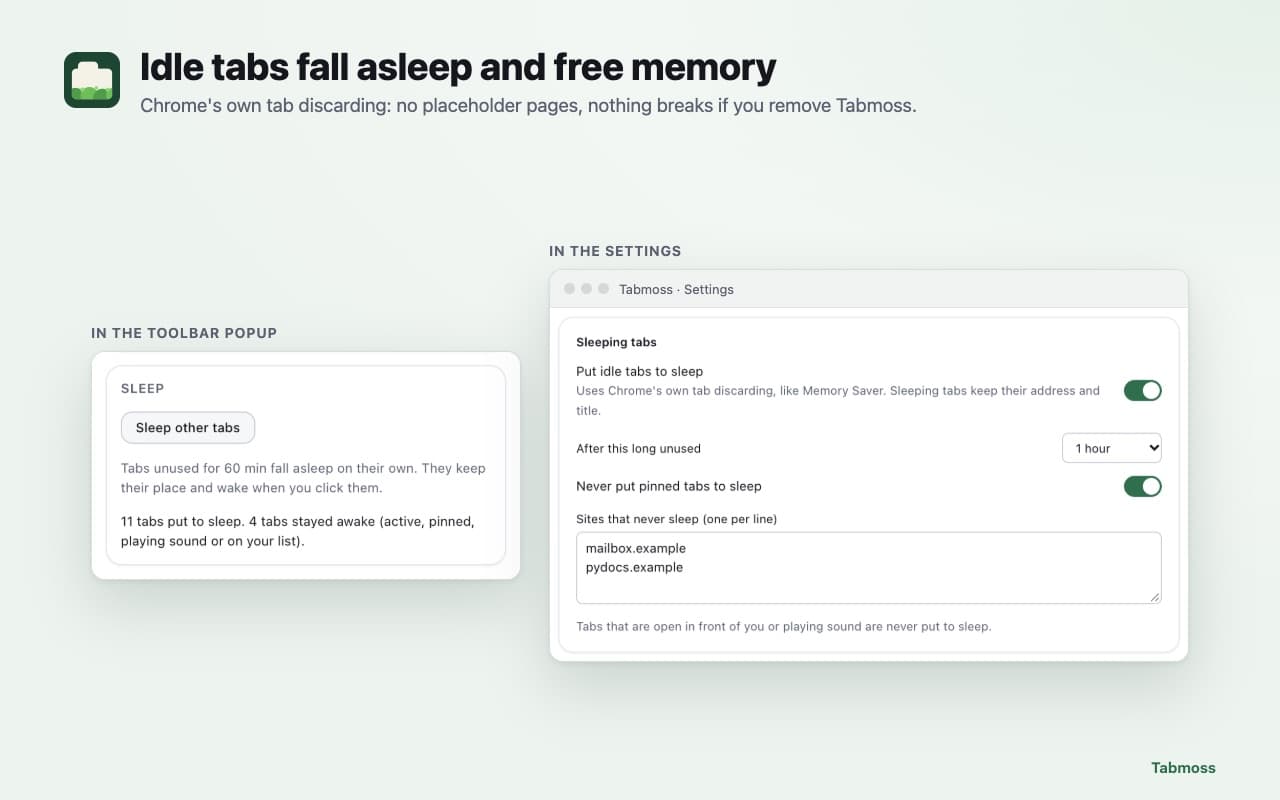
Idle tabs fall asleep and free memory 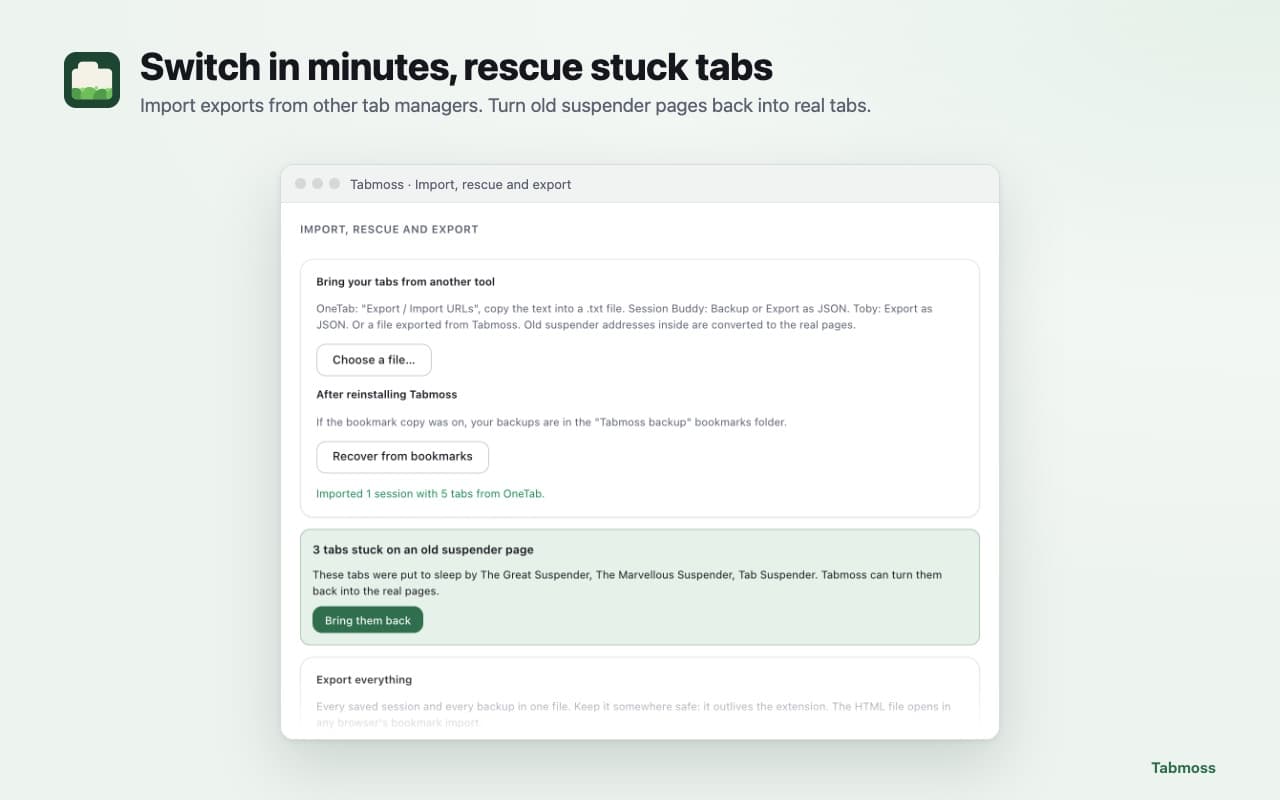
Switch in minutes, rescue stuck tabs 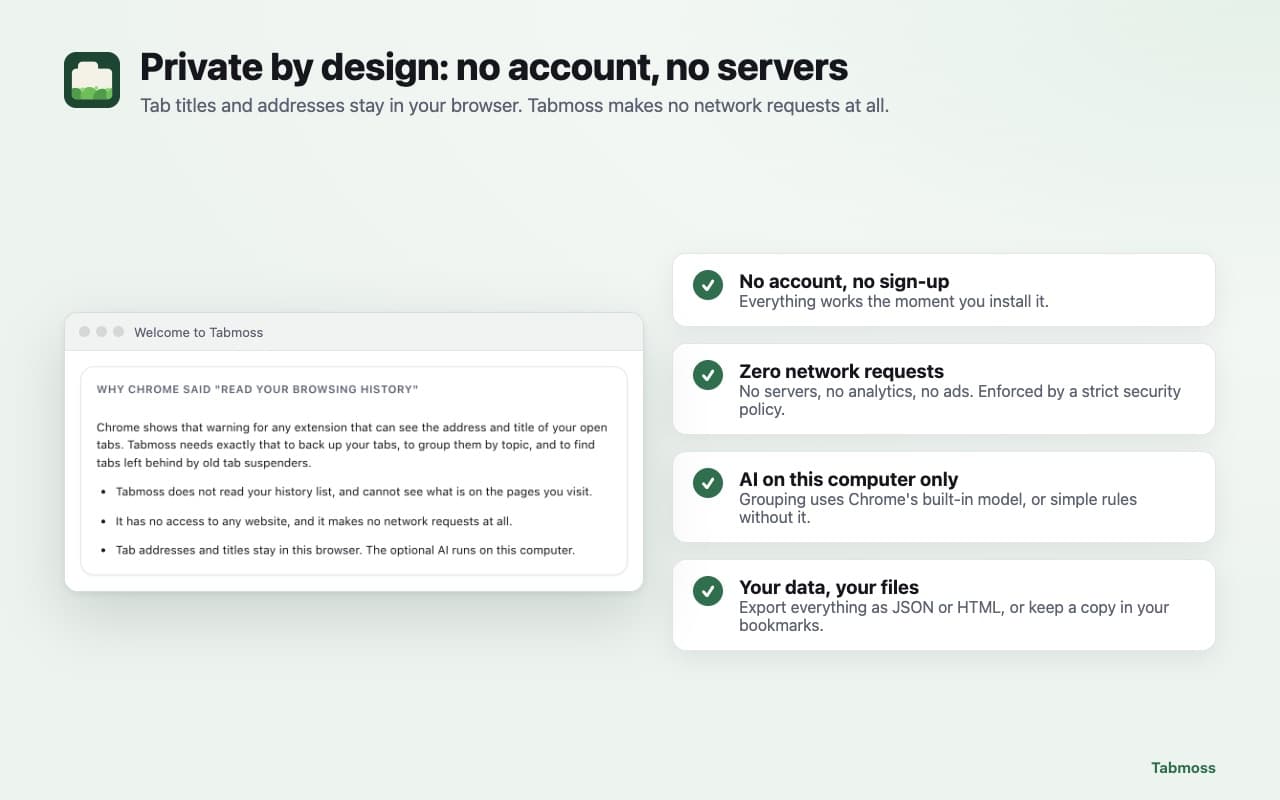
Private by design: no account, no servers
Never lose a tab again.
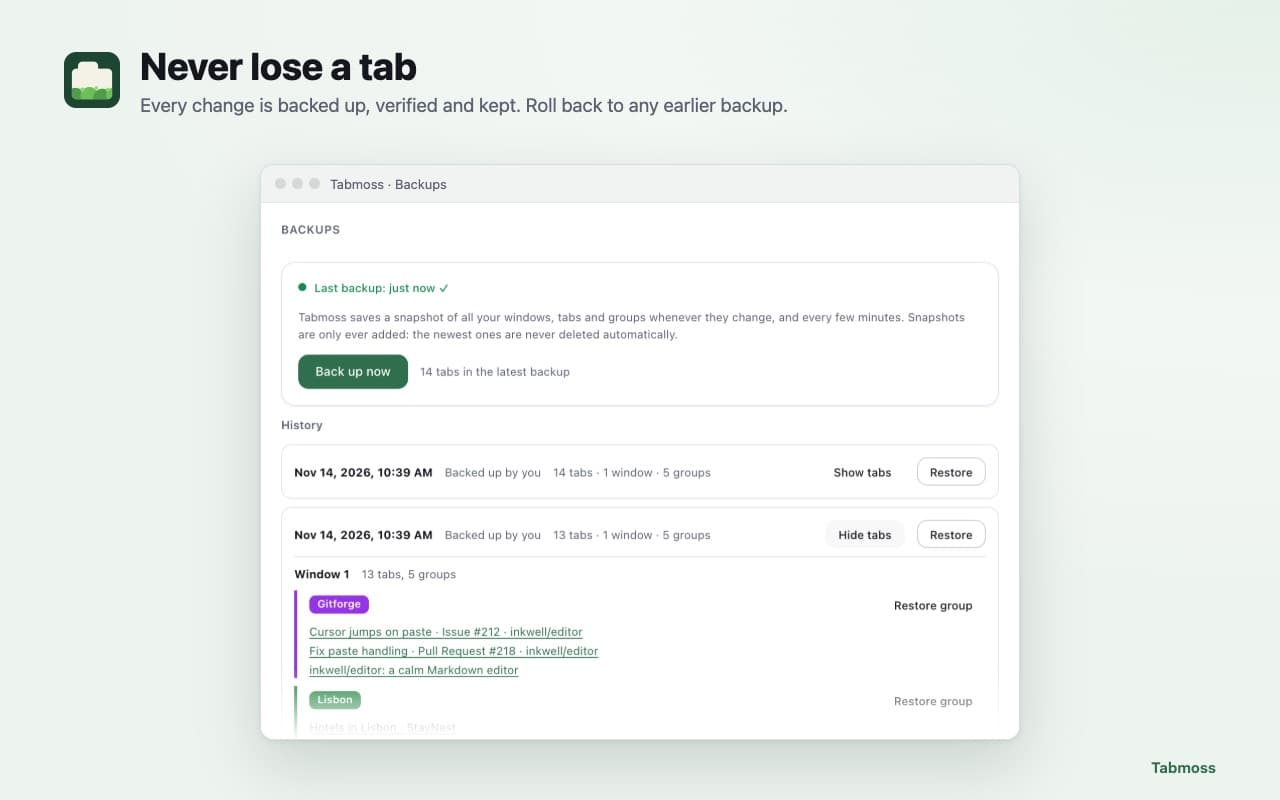
- Never lose a tab
- Automatic, versioned backups of all your windows, tabs, pinned tabs and tab groups. Each one is checked after it is written, and you can roll back to any of them: everything, one window or one group. If Chrome starts without your tabs, Tabmoss offers to bring back exactly the missing ones.
- Groups in one click
- Press "Group my tabs", check the preview, apply. With Chrome's built-in AI on your computer, Tabmoss names groups by topic; without it, it groups by site and topic. Your corrections become rules.
- Idle tabs fall asleep
- Tabs you haven't used for a while sleep with Chrome's own discarding, like Memory Saver but on your timer. No placeholder pages: nothing breaks if you remove Tabmoss. Active, playing, pinned and never-sleep tabs stay awake.
- Sessions you can find again
- Save a window or all of them under a name, search by name, title or address, and restore all or part. Deleted sessions go to a trash first.
- Bring your tabs with you
- Import the export files of popular tab managers and session savers. Tabs stuck on old tab suspenders' "suspended" pages come back as real tabs in one click.
- Private by design
- No account, no analytics, no network requests. A copy in your bookmarks and JSON/HTML export keep your data yours, even if you remove the extension.
Your tabs stay in your browser.
Tabmoss sees the addresses and titles of your open tabs (that's why Chrome mentions "browsing history") and keeps them only in your browser. The privacy policy has the details.
Only in your browser
Tab addresses and titles are kept only in your browser.
No page content, no websites, no network
It never reads page content, has no access to websites and makes no network requests.
AI on your computer
The optional AI runs on your computer.
Questions people ask.
More answers on the support page.
How do I recover tabs after Chrome crashes?
Click the Tabmoss icon and choose "Restore your previous tabs?", or open Backups and restore any earlier backup.
More recovery options →Can I move from my current tab manager?
Yes. Tabmoss imports OneTab, Session Buddy and Toby exports (Tabmoss is not affiliated with them).
Step by step →My tabs are stuck on an old suspender's page. Can Tabmoss help?
Yes. Click the Tabmoss icon and "Bring them back": each tab returns to its real page.
Is it a tab suspender?
Yes, the safe kind: it uses Chrome's own tab discarding instead of placeholder pages, so your tabs keep their real addresses.
Do I need AI?
No. Grouping works on every computer; Chrome's on-device AI makes the topic names smarter where available.
What happens to my data if I uninstall?
Chrome deletes it, unless you exported it or turned on the bookmark copy, which stays in your bookmarks.
Is it free?
Yes, with no limits on tabs, sessions or backups.
Never lose a tab again.
Free, with no account and no limits on tabs, sessions or backups.
Questions? Email support@quantumplug.tech.
Tabmoss is made by QuantumPlug Technologies. Tabmoss is not affiliated with OneTab, Session Buddy, Toby or the tab suspenders named on these pages. Chrome is a trademark of Google LLC; Tabmoss is not affiliated with or endorsed by Google.

Tabmoss was designed and built at QuantumPlug.
We build apps and software for clients too. Tell us what you want to make.