
Chrome extension · Volume booster
Volume booster for Chrome that keeps fullscreen working
Make any tab up to 600% louder without crackling. A real limiter, a per-tab mixer and voice and bass presets. No ads, no tracking, nothing leaves your device.
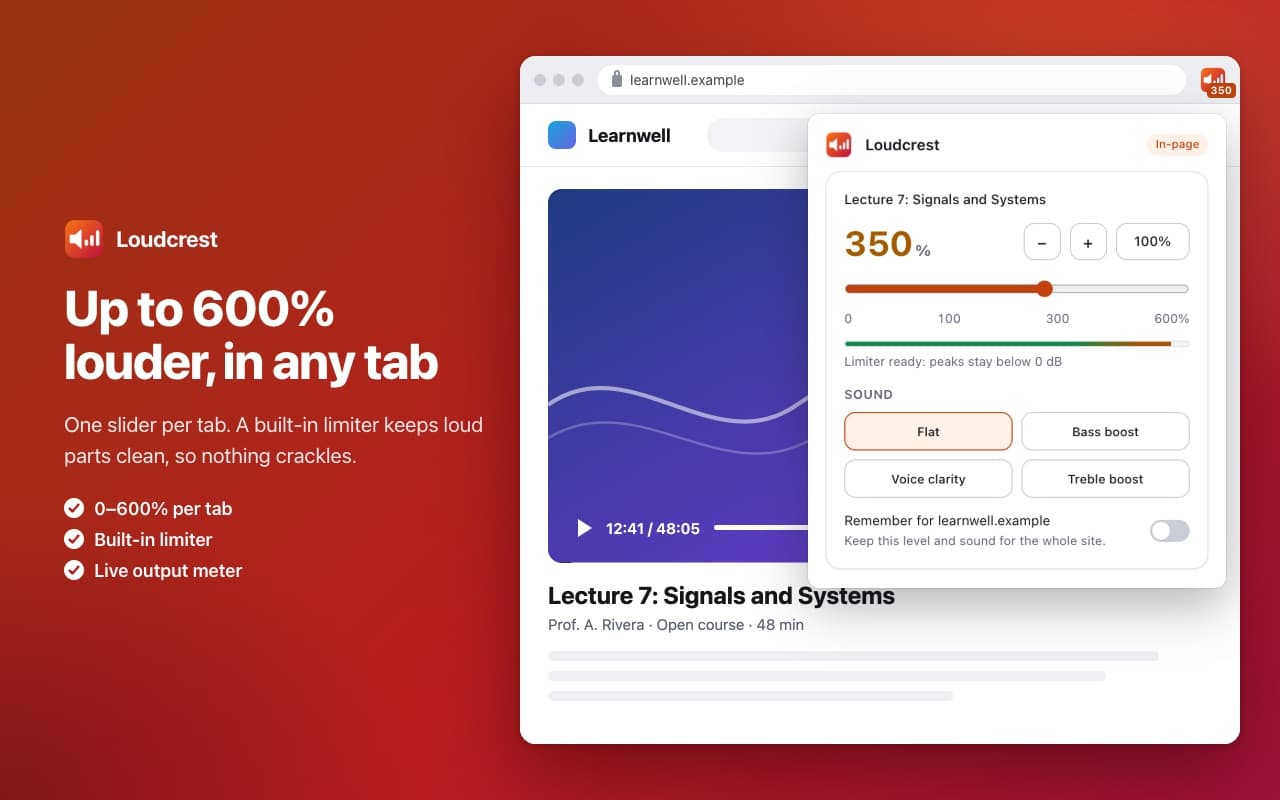
How it works.
Step 1
Add Loudcrest to Chrome
Then pin it to the toolbar so it is one click away.
Step 2
Open a tab that plays sound
Click the Loudcrest icon while the tab is open.
Step 3
Drag the slider
Pick a sound preset. That's it: the level applies to that tab only.
On the few sites whose audio is protected (some streaming services, live calls), Loudcrest explains why in-page boosting isn't possible and offers tab capture with one click instead. It never silences a page.
See it in a tab.
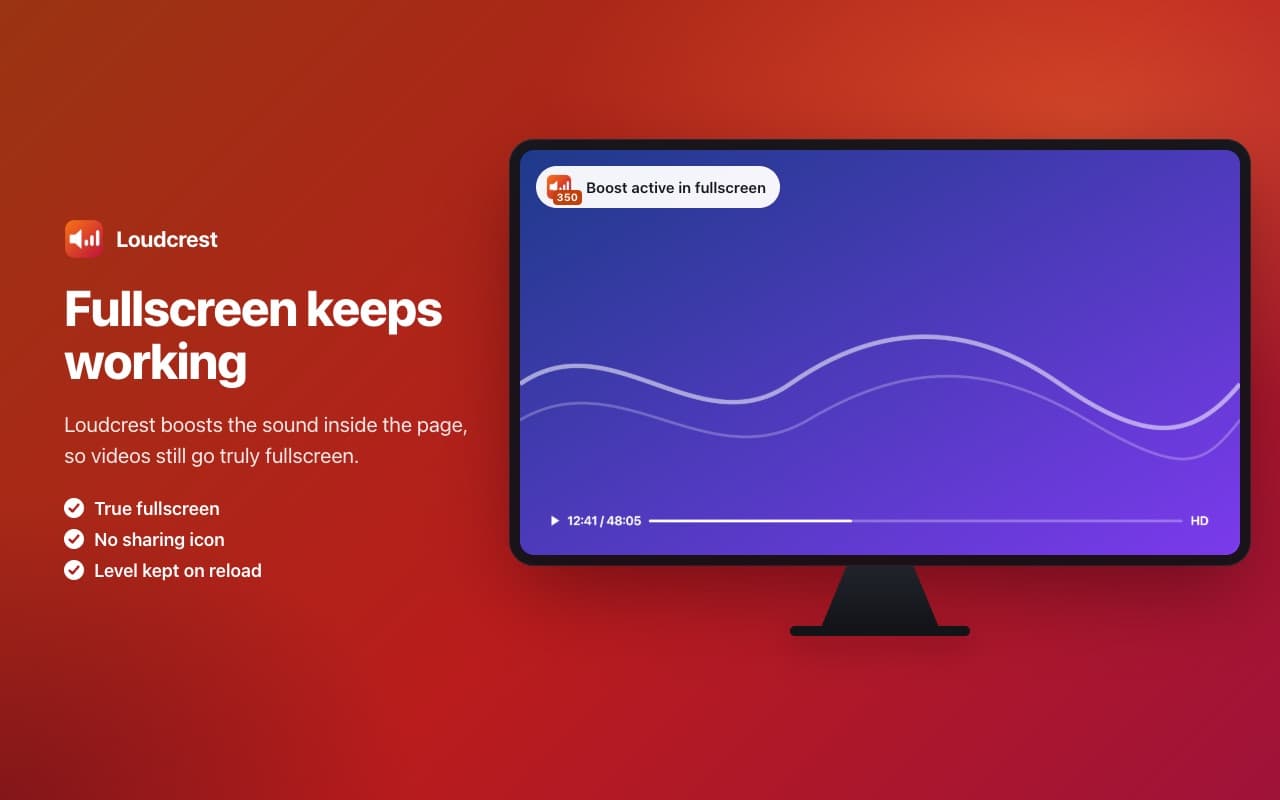
Fullscreen keeps working 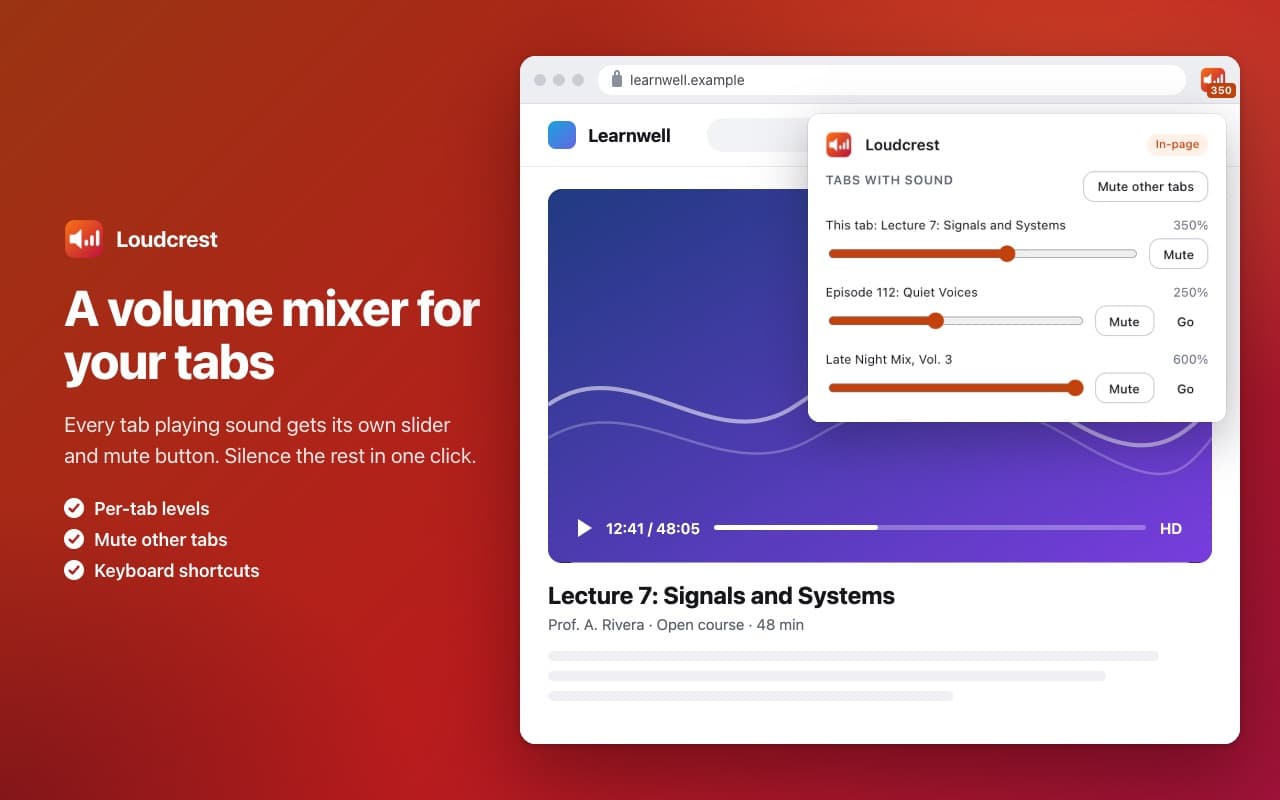
A volume mixer for your tabs 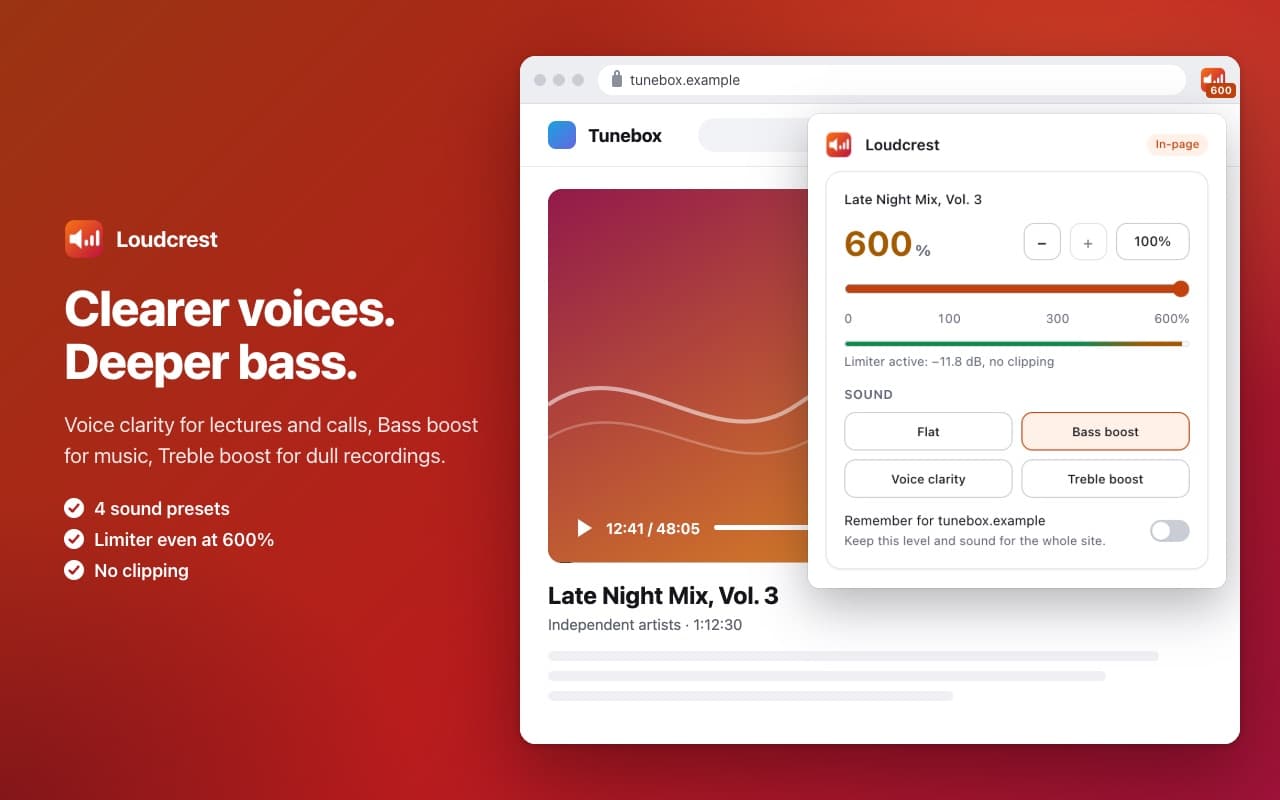
Clearer voices, deeper bass 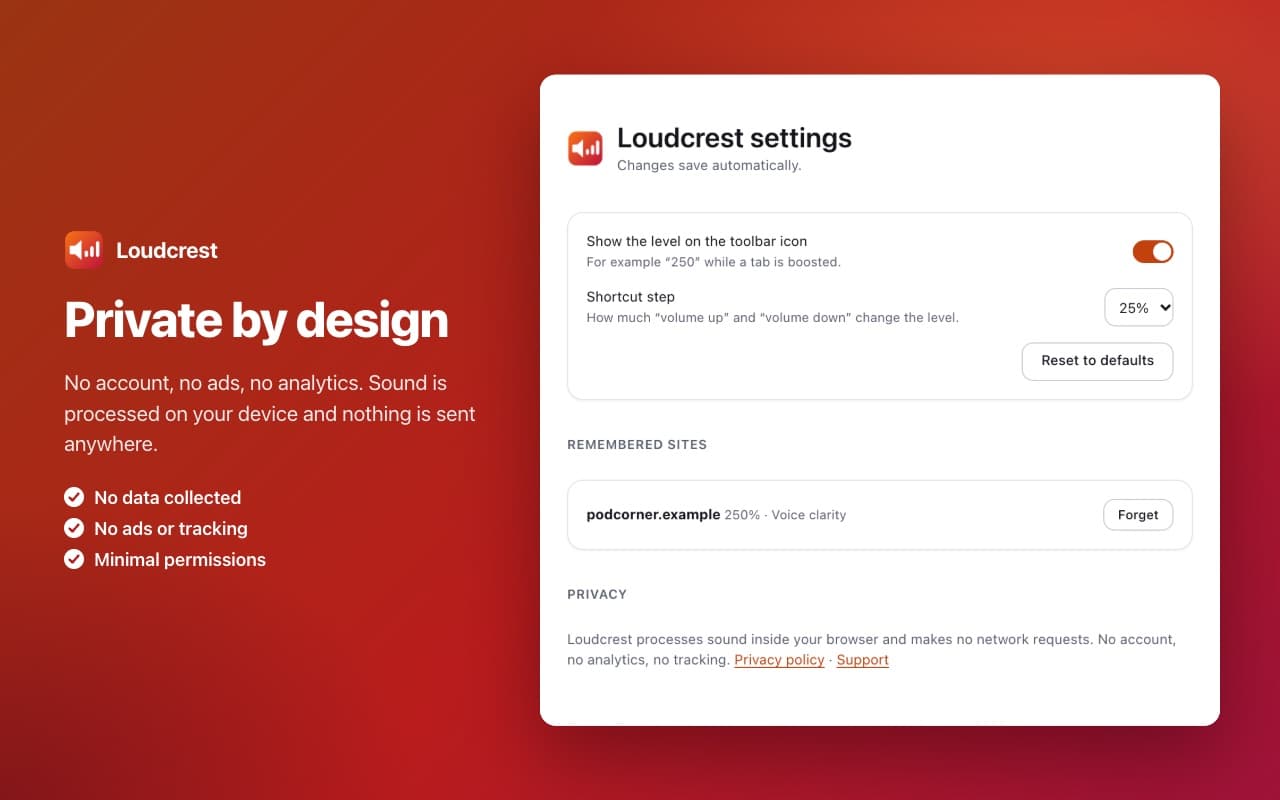
Private by design
Louder, cleaner, per tab.
- Up to 600% louder
- Quiet lecture, low dialogue, small laptop speakers: drag one slider and the tab gets louder, up to 600%. Use −/+, the 100% button or keyboard shortcuts for exact steps.
- Fullscreen keeps working
- Most boosters capture the whole tab, which puts a sharing icon on it and traps fullscreen inside the window. Loudcrest boosts the sound inside the page, so the video player behaves exactly as before.
- Loud without crackling
- A built-in limiter catches peaks before they distort, even at 600%, and a live meter shows it at work. Clean sound instead of a simple volume multiplier.
- A volume mixer for your tabs
- Every tab playing sound appears with its own slider and mute button. Mute all other tabs in one click when you need to focus, and bring them back just as fast.
- Clearer voices, deeper bass
- Voice clarity for lectures, podcasts and calls. Bass boost for music and films. Treble boost for dull recordings. One click, per tab.
- Remembers what you set
- The level stays when you reload or move to another page on the same site. Turn on "Remember for this site" to keep it for every visit.
Private by design.
The privacy policy lists everything Loudcrest keeps on your device, and why.
No account, no tracking
No account, no ads, no analytics, no tracking.
Sound stays on your device
Sound is processed on your device. It's never recorded or uploaded, and Loudcrest makes no network requests.
Only where you open it
It only works in tabs where you open it, and asks for a site's access only if you want that site's level applied automatically.
Questions people ask.
More answers on the support page.
Does fullscreen still work?
Yes. Only the optional tab-capture mode, used for protected players, keeps fullscreen inside the browser window, and Loudcrest tells you before you turn it on.
Why can't some sites be boosted in the page?
Protected (DRM) players, audio loaded from another site without permission, and live calls can't be processed in the page without going silent. Loudcrest detects them and offers tab capture instead.
Will 600% damage my hearing?
The limiter prevents distortion, not hearing damage. Raise the level gradually, especially with headphones, and take breaks.
Why does the mixer show "Tab 3 in this window"?
Loudcrest doesn't ask to read your tabs. A tab shows its name after you've opened Loudcrest on it once.
Is it free?
Yes, with no ads and no account.
Make the quiet tab louder.
Free, private, and fullscreen keeps working.
Questions? Email support@quantumplug.tech.
Loudcrest is made by QuantumPlug Technologies. Chrome is a trademark of Google LLC; Loudcrest is not affiliated with or endorsed by Google.

Loudcrest was designed and built at QuantumPlug.
We build apps and software for clients too. Tell us what you want to make.