
Chrome extension · On-device AI
AI summaries that never leave your computer.
Quietgist summarizes any web page in one click with the AI built into Chrome. No account, no API key, no limits, and nothing is sent anywhere.
Works with Chrome 138+ on Windows, macOS, Linux and Chromebook Plus
See how it works ↓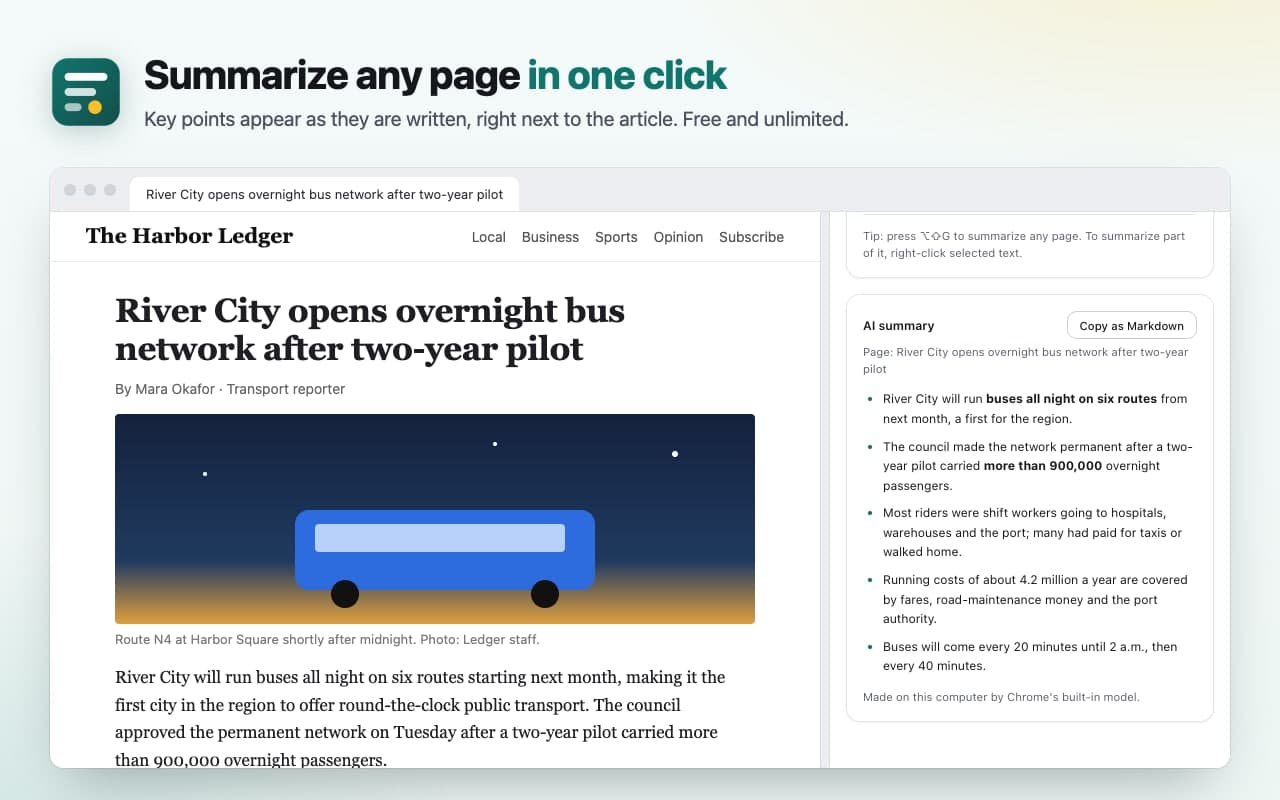
How it works.
Step 1
Add Quietgist to Chrome
Then pin it to the toolbar.
Step 2
Open any article and click the icon
Or press Alt+Shift+G.
Step 3
Read the summary in the side panel
Copy it as Markdown with a link to the source.
The first time, Quietgist checks whether Chrome's built-in AI can run on your computer. If Chrome still needs to download its model, you'll see how big it is and a button to start it.
The gist, in the side panel.
TL;DR, key points or a headline 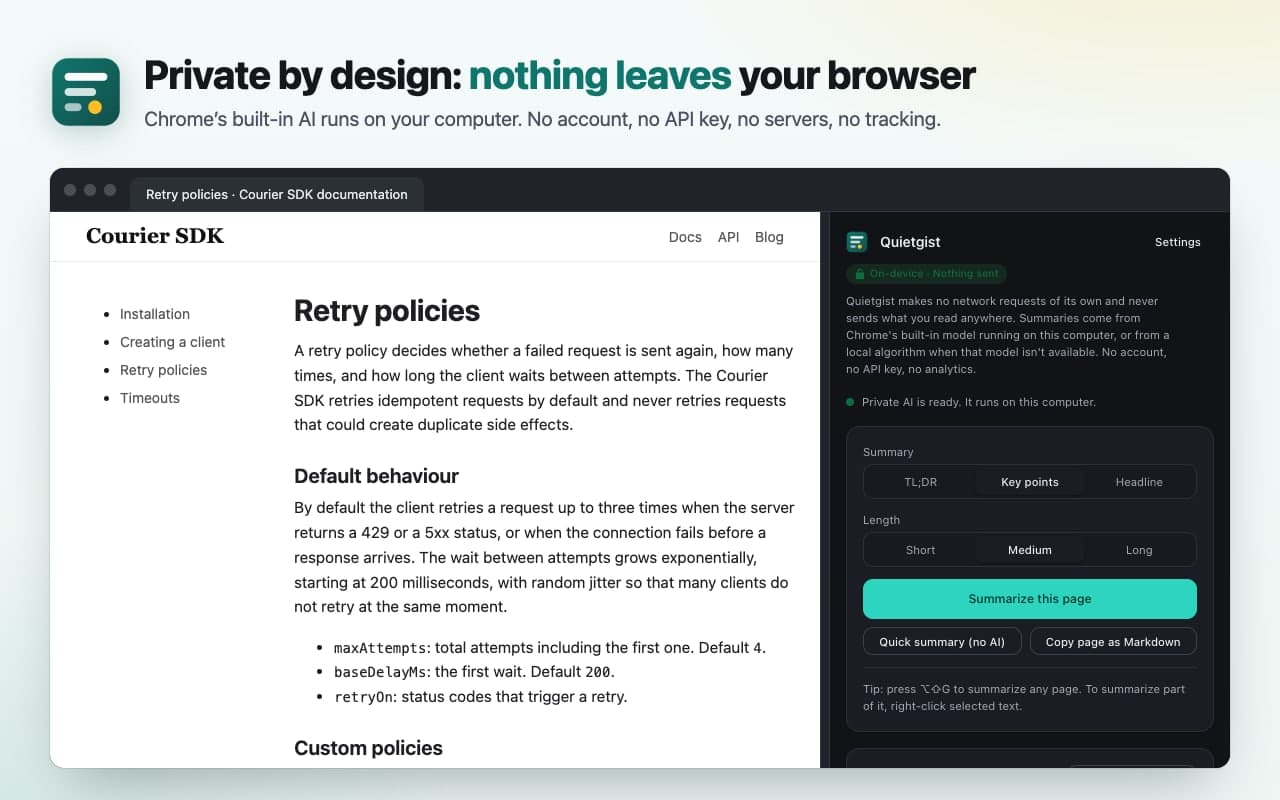
Private by design 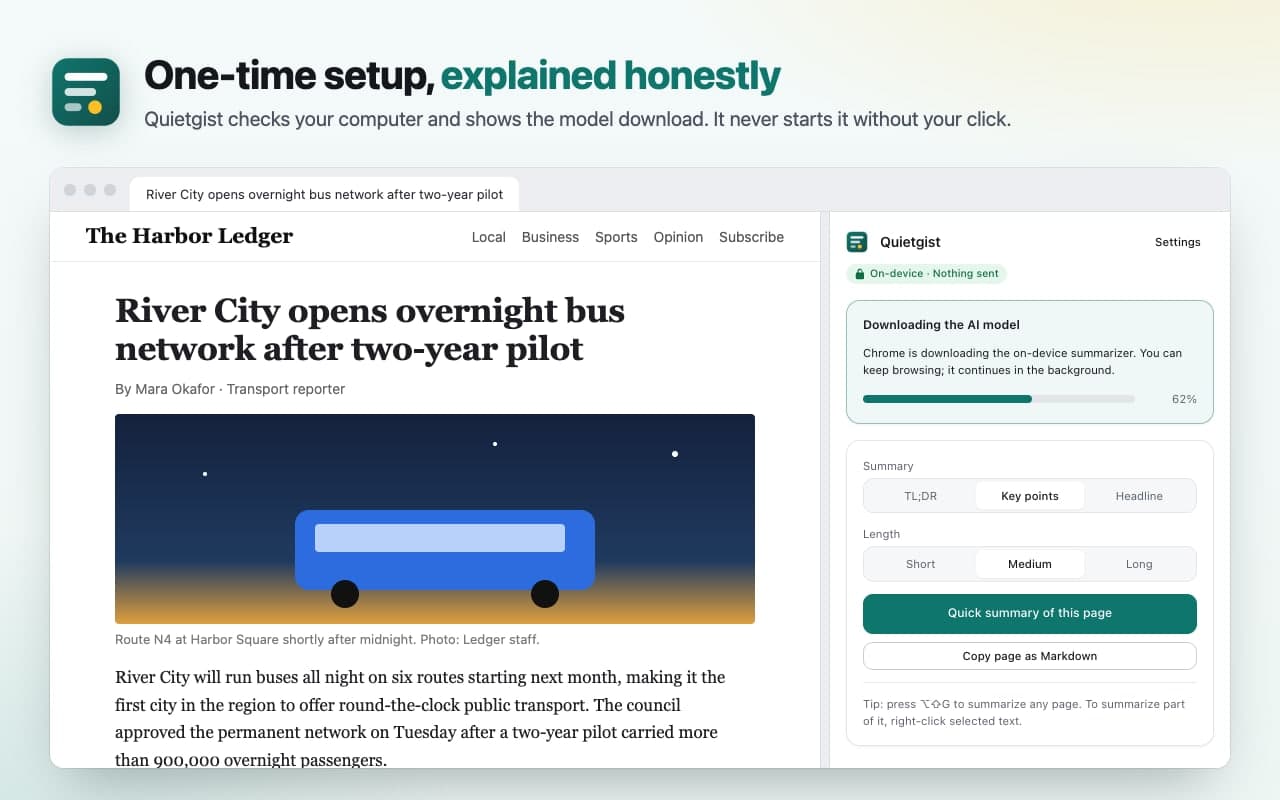
One-time setup, explained honestly 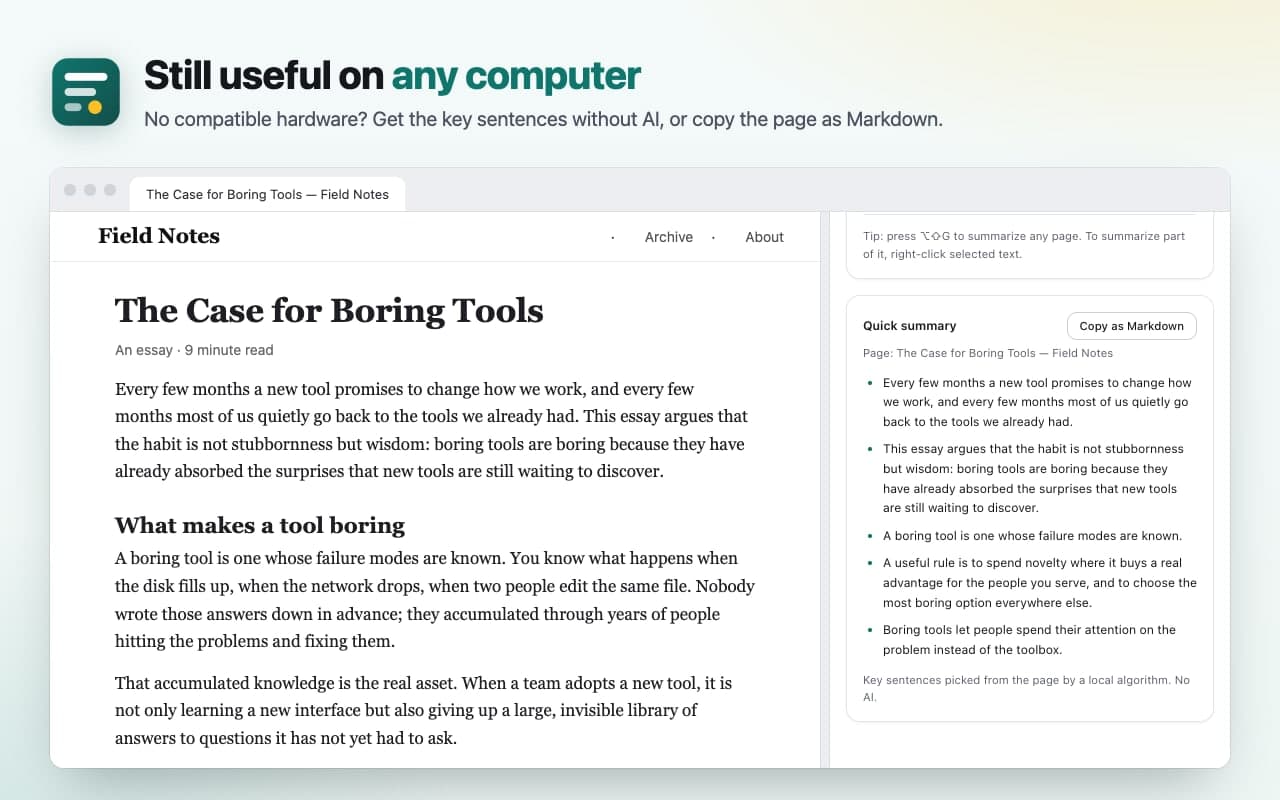
Still useful on any computer
Read less. Understand more.
- One click, instant gist
- Click the Quietgist icon or press Alt+Shift+G. The side panel opens and the key points appear as they're written.
- Private by design
- Chrome's on-device model does the work on your computer. Quietgist has no servers, no analytics and no tracking, so there is nowhere for your reading to go.
- Your format
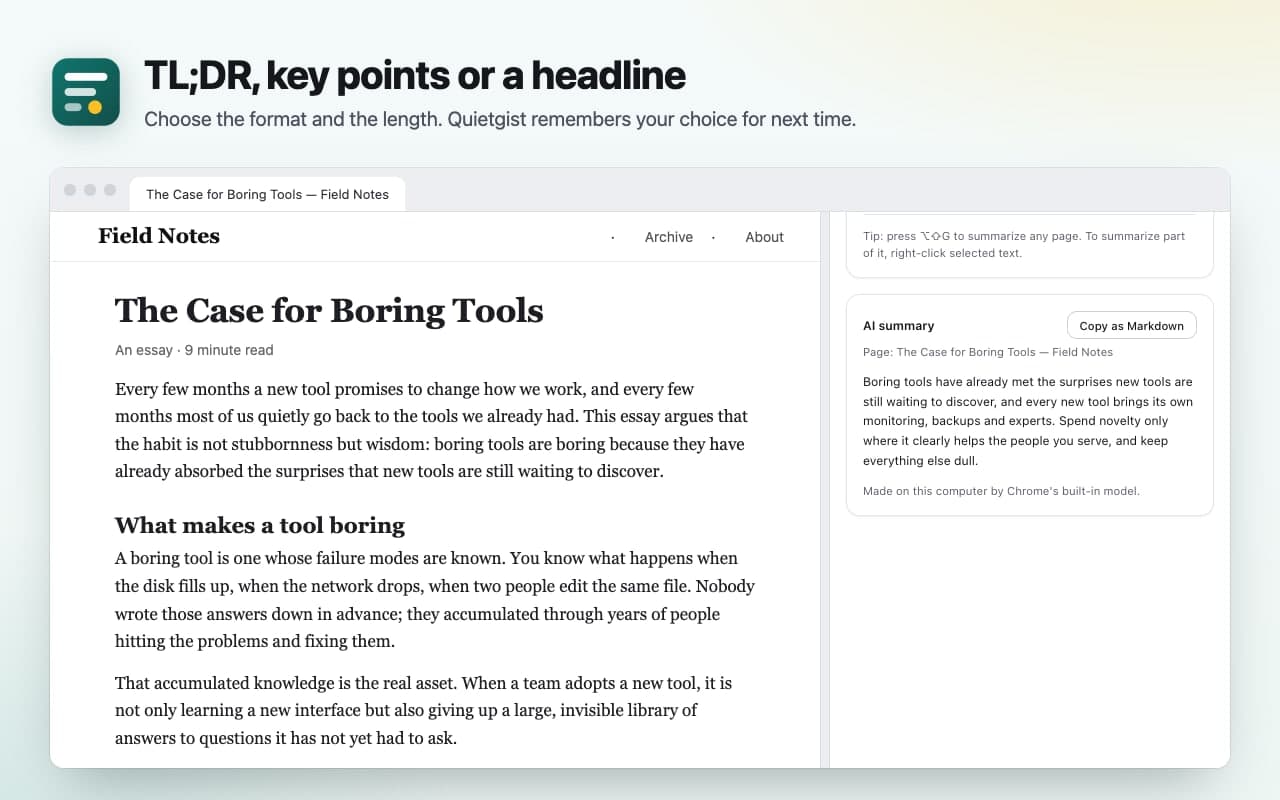
- TL;DR, key points or a single headline, short to long. Long articles are summarized in parts and combined.
- Just the part you need
- Select text, right-click, and choose "Summarize selection with Quietgist".
- Works on any computer
- If yours can't run on-device AI, Quietgist picks the key sentences without AI, and can copy the clean article as Markdown for any tool you choose.
- Honest setup
- A compatibility check, plain-language fixes, and a progress bar for Chrome's one-time model download, which never starts without your click.
Nothing leaves your browser.
The AI model belongs to Chrome, which downloads it once from Google. Quietgist is not affiliated with Google. The privacy policy has the details.
No network requests of its own
Quietgist makes no network requests of its own: not for summaries, not for analytics, not for anything.
Reads a page only when you ask
It reads a page only when you ask, on that tab. It can't see your other tabs and doesn't ask for access to all websites.
Never saves what you read
Only your settings are kept, on your computer.
Questions people ask.
More answers on the support page.
Does my computer support it?
Desktop Chrome 138+ on Windows 10/11, macOS 13+, Linux or Chromebook Plus; about 22 GB of free disk space; and a graphics card with more than 4 GB of video memory, or 16 GB of RAM with 4+ CPU cores. Quietgist checks for you.
What if it doesn't?
You still get the quick summary (key sentences, no AI) and "Copy page as Markdown".
Is it really free and unlimited?
Yes. The AI runs on your computer, so there's no server cost and no quota.
Does it work offline?
Yes, after Chrome's one-time model download.
Which pages can't it read?
Chrome's own pages, the Chrome Web Store and the PDF viewer. PDFs are on the roadmap.
Read less. Understand more. Keep it to yourself.
Free, with no account.
Questions? Email support@quantumplug.tech.
Quietgist is made by QuantumPlug Technologies. Chrome is a trademark of Google LLC. Quietgist is not affiliated with or endorsed by Google.

Quietgist was designed and built at QuantumPlug.
We build apps and software for clients too. Tell us what you want to make.