
Chrome extension · Screenshot beautifier
Beautiful full page screenshots in one shortcut.
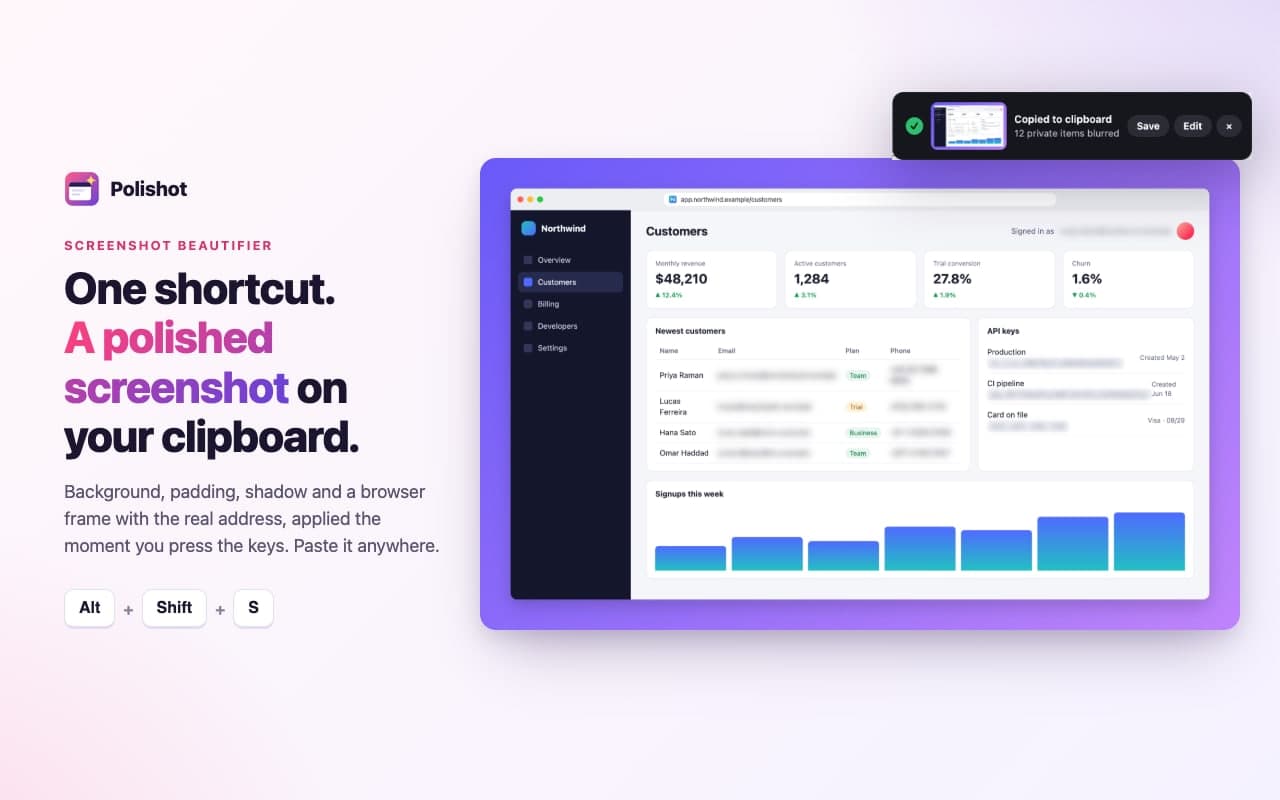
Press a key. Polishot captures the page, even the whole scrolling page, adds a background and a browser frame, blurs emails and API keys, and puts the finished image on your clipboard. No upload, no account, no watermark.
How it works.
Step 1
Add Polishot to Chrome
Then pin it to the toolbar.
Step 2
Open any page and press a shortcut
Alt+Shift+F (Option+Shift+F on a Mac) for the full page, or Alt+Shift+S for what you see.
Step 3
Paste
The polished image is already on your clipboard. Want changes? Click Edit in the note that appears.
Alt+Shift+R lets you drag an area instead. No shortcuts? Click the Polishot icon in the toolbar, or right-click the page and choose Polishot.
Captured, polished, private.
The whole page, stitched cleanly 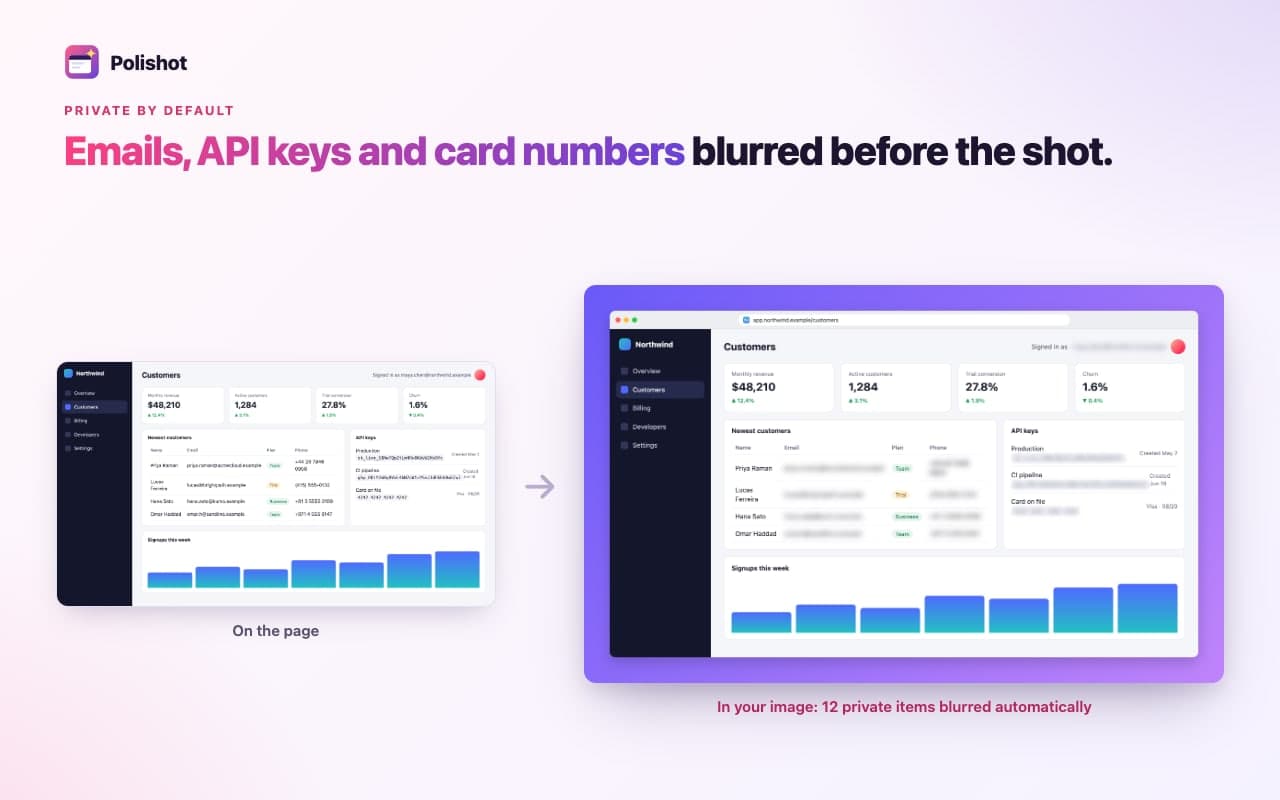
Private details blurred before the shot 
Your style, remembered 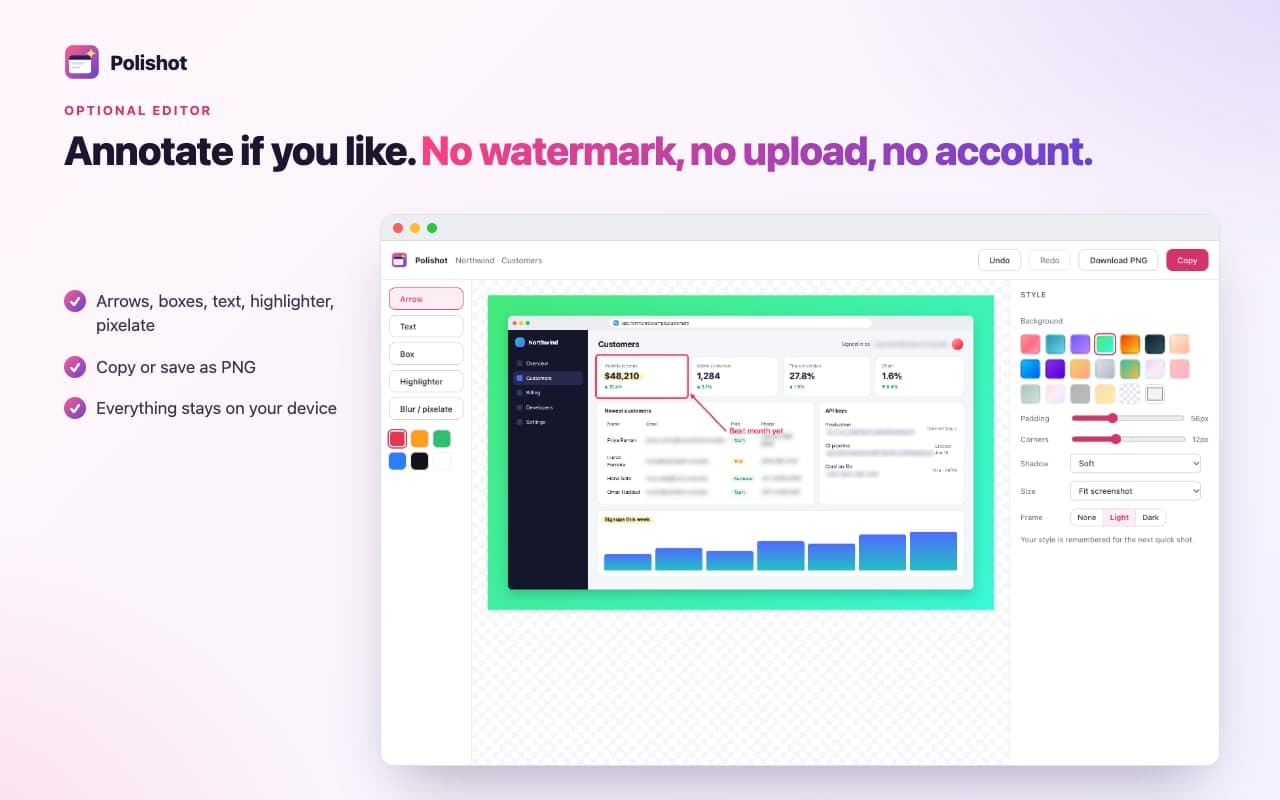
Annotate if you like. No watermark.
A finished image, not a raw grab.
- One shortcut, finished image
- Alt+Shift+S copies what you see. Alt+Shift+F copies the whole page. Alt+Shift+R lets you drag an area. Your last style is applied instantly, so the image is ready to paste into chat, docs or a post.
- Full page capture that holds up
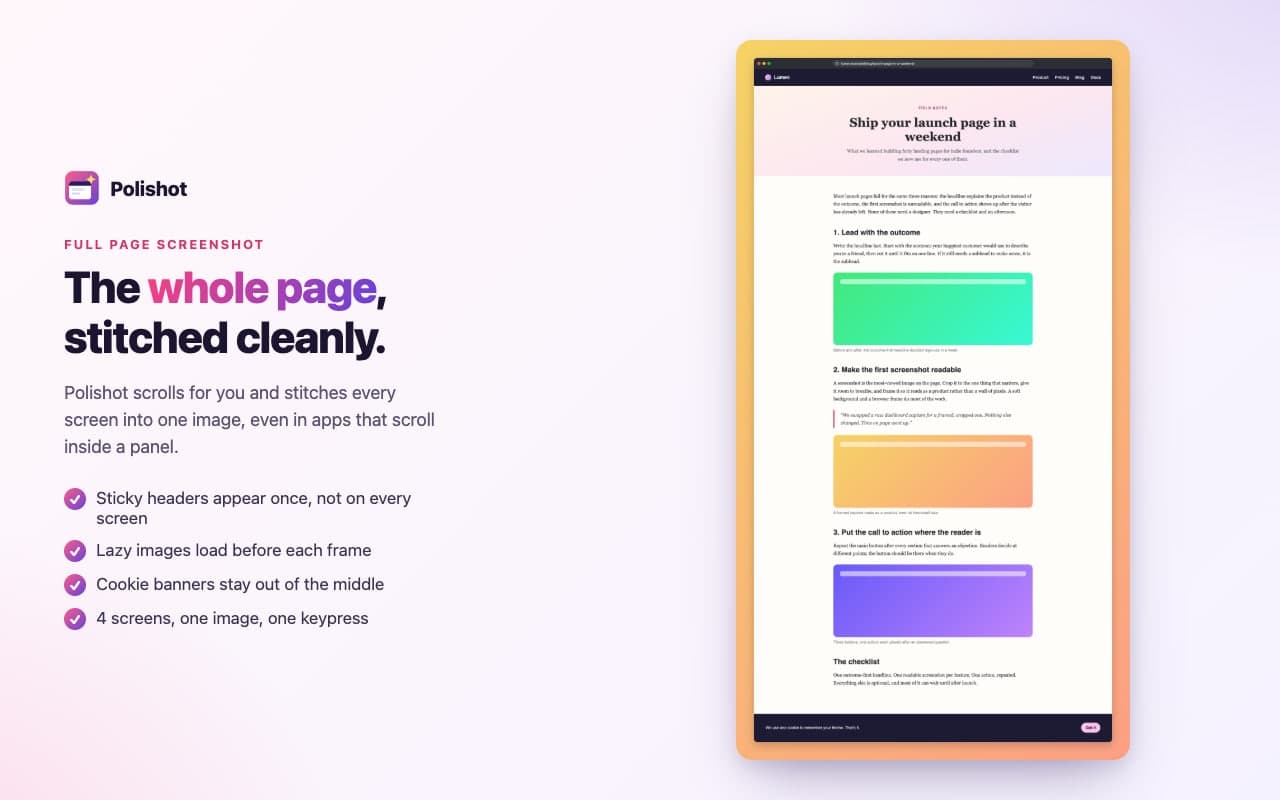
- Polishot scrolls for you and stitches every screen into one image. Sticky headers appear once, lazy images load first, cookie banners stay at the bottom, and apps that scroll inside a panel are captured at full height.
- Private info blurred before the shot
- Emails, API keys and tokens, card numbers and phone numbers are found on the page and blurred before the capture, then put back. Click any other element to blur it too. The address bar in the frame leaves out query strings, where tokens hide.
- A mockup in your style
- Twelve gradients or a solid colour, padding, rounded corners, a soft shadow, and a light or dark browser frame with the page's real address and icon. Size presets for X, LinkedIn, Product Hunt and 16:9.
- Check it, save it, or mark it up
- The "Copied" note shows a preview of your image, with Save for a PNG file and Edit for arrows, boxes, text, highlights and pixelation.
- Free, private, no watermark
- No account and no upload: everything happens in your browser. The "made with Polishot" tag is optional and off unless you turn it on.
Works entirely inside your browser.
Auto-blur is an assist, not a guarantee: check the preview before you share. The privacy policy has the details.
Never uploaded
Your screenshots go to your clipboard, or to a file when you click Save.
Only the tab you choose
Polishot can only see a tab after you press its shortcut, click its icon or use its menu. It can't see your other tabs or history.
No account, no tracking
No account, no analytics, no tracking, no ads. Only your latest capture is kept on your device, so the editor can reopen it.
Questions people ask.
More answers on the support page.
Is Polishot free?
Yes. No watermark, no account, no limits.
Does it upload my screenshots?
No. Images are made in your browser and only go where you paste or save them.
Can it take a scrolling (long) screenshot?
Yes. "Copy full page" scrolls and stitches the whole page, including pages that scroll inside a panel.
Why doesn't my shortcut work?
Chrome skips keys that another extension already uses. The Polishot popup tells you and links to chrome://extensions/shortcuts, where you can choose your own.
Which pages can't be captured?
Chrome's own pages, the Chrome Web Store and other extensions' pages. Everything else, including local files once you allow file access.
Is auto-blur guaranteed to catch everything?
No, it's an assist. Check the preview and use click-to-blur for anything else.
Does it work in Edge or Brave?
Polishot is built for Chrome. Other Chromium browsers usually run Chrome extensions, but we haven't tested them yet.
Your next screenshot could already look finished.
Free, private, no accounts.
Questions? Email support@quantumplug.tech.
Polishot is made by QuantumPlug Technologies. Chrome is a trademark of Google LLC; Polishot is not affiliated with or endorsed by Google.
Polishot was designed and built at QuantumPlug.
We build apps and software for clients too. Tell us what you want to make.