
Chrome extension · Image and video zoom
See the full-size image the moment you hover
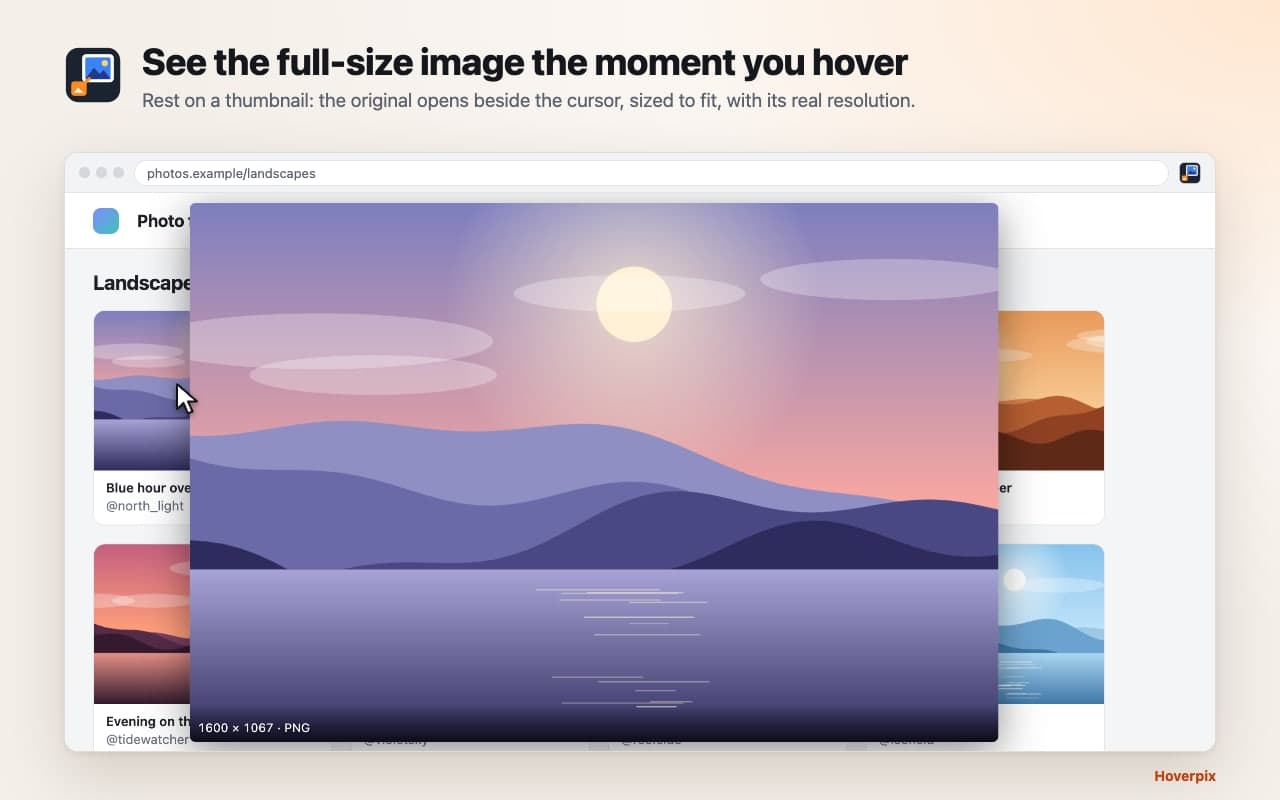
Rest your cursor on any thumbnail and the original image or video opens beside it, sized to fit your screen. Works right after install on Reddit, Pinterest, Discord, X and 15 more sites. Nothing to set up, nothing collected.
How it works.
Step 1
Install
There is nothing to configure.
Step 2
Hover
Rest on a thumbnail for a moment (the delay is adjustable).
Step 3
Look closer
Arrow keys for galleries, the wheel to zoom, D to save, Esc to close.
Works out of the box on
- Discord (web)
- X
- Amazon
- Google Images
- Twitch
- Imgur
- Wikipedia
- Tumblr
- Flickr
- DeviantArt
- Etsy
- eBay
- GitHub
- Hacker News
- YouTube (thumbnail image only)
Want it everywhere? One click on "Enable on all sites" (Chrome asks you first), or allow single sites. On any page, Hoverpix then enlarges images shown smaller than their real size: the mouseover zoom you'd expect from a photo site, everywhere.
Hover, flip, play.
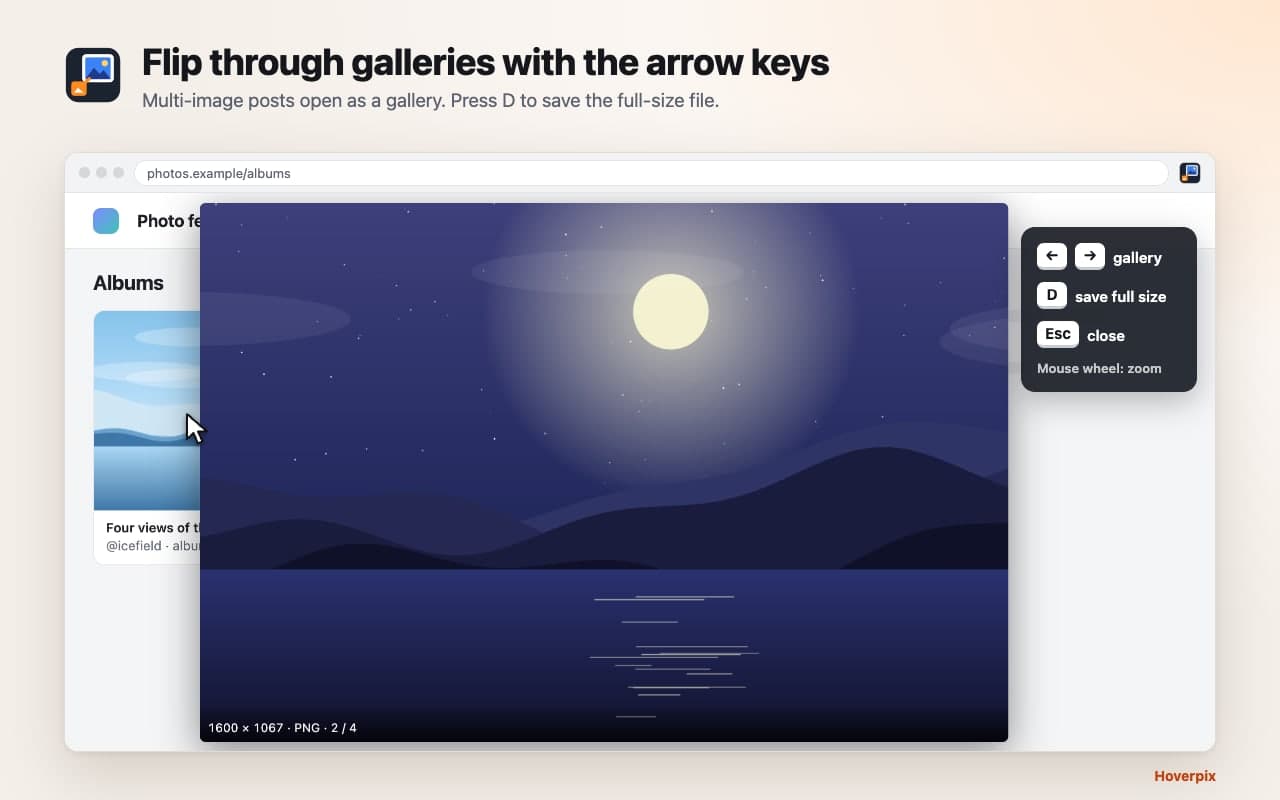
Flip through galleries with the arrow keys 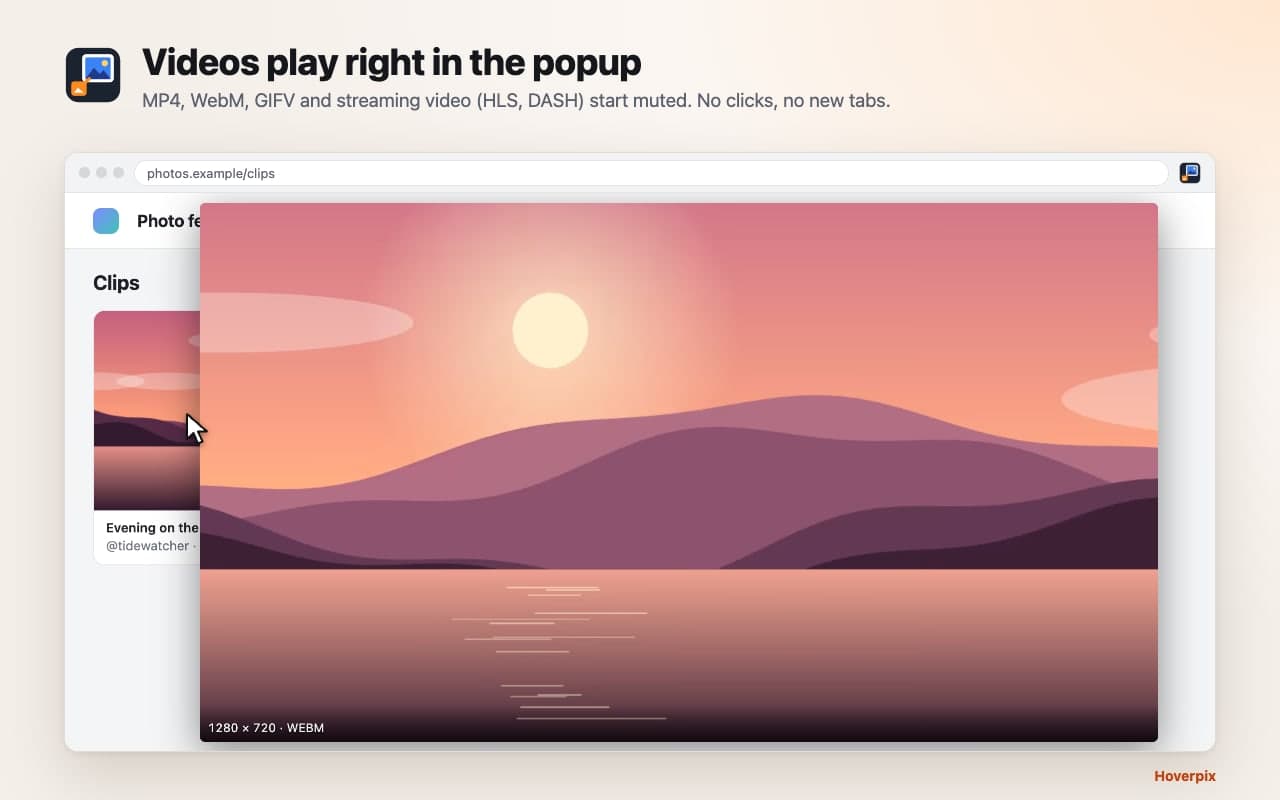
Videos play right in the popup 
Works on 19 popular sites right after install 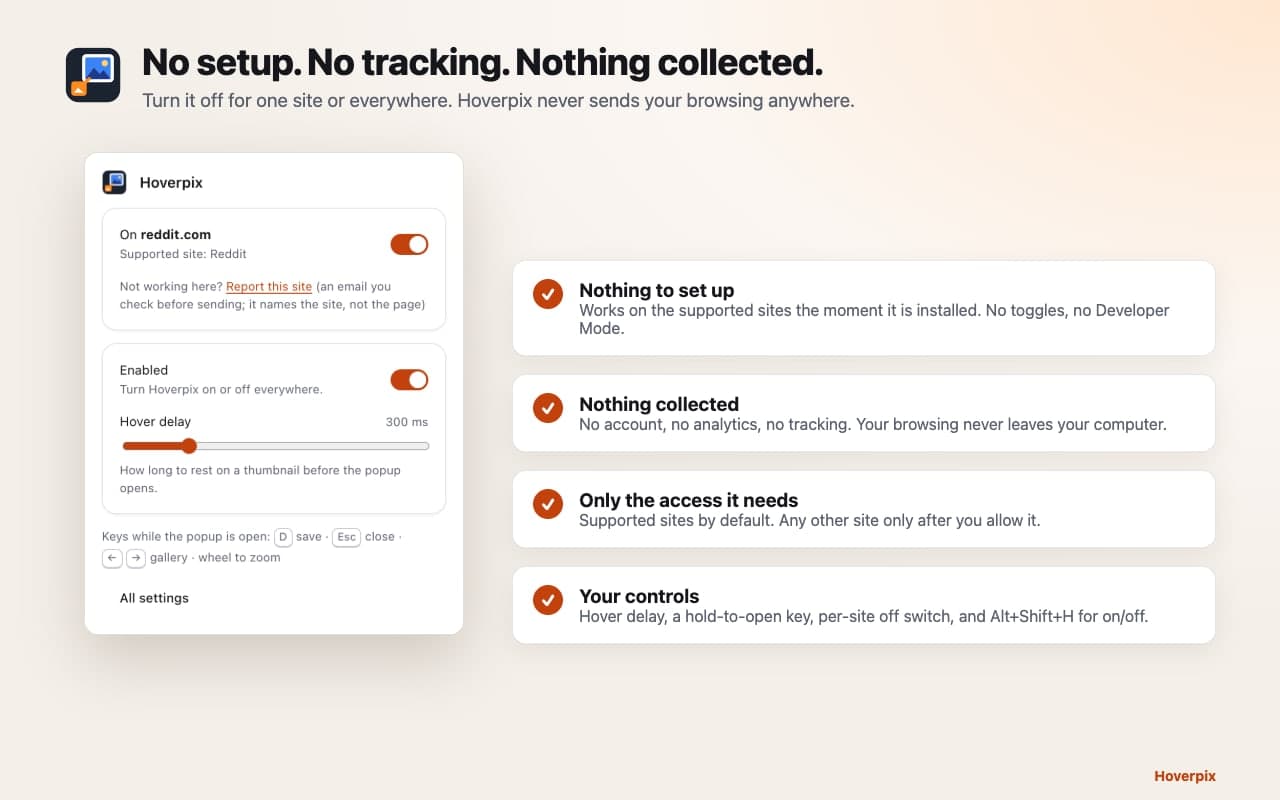
No setup. No tracking. Nothing collected.
No clicks, no new tabs.
- Just hover
- No clicks, no new tabs. The full-size image appears next to your cursor with its real resolution and file type (3024 × 4032 · JPEG). Move away and it's gone. An image viewer that needs no clicks at all.
- Galleries with the arrow keys
- Reddit galleries and crossposts, Discord messages with several images and X posts with several photos open as a gallery. Press ← and → to flip through them, D to save the full-size file.
- Video on hover
- MP4, WebM, GIFV and streaming video (HLS and DASH, including Reddit video) play right in the popup, muted.
- Zoom in
- The mouse wheel zooms up to 8×. Move the mouse to look around a big photo.
- Zero setup
- No switches, no Developer Mode, no rule files to import. Support for the popular sites is built in, so it works the moment it's installed.
- Private by design
- No analytics, no account, no tracking. Hoverpix loads the image you hover and, for some sites, asks that same site for the full-size link, anonymously. It never sends your browsing to us.
Private by design.
Hoverpix has no servers of its own and sends nothing to us. The privacy policy lists every request it makes.
No analytics, no account, no tracking
Hoverpix loads the image you hover, and nothing more.
Lookups stay anonymous
For some sites it asks that same site for the full-size link, without your cookies or login. It never sends your browsing to us.
Only the access it needs
The supported sites by default. Any other site only after you allow it.
Questions people ask.
More answers on the support page.
Looking for a replacement for an older image-zoom extension that stopped working?
Hoverpix works right after install, with no extra switches, Developer Mode or rule files. It covers the sites people hover most, including Reddit galleries and video, Pinterest and Discord multi-image messages.
Which sites does it support?
The 19 sites above work out of the box. Any other site works after you allow it.
Why does Chrome warn about "all your data" when I enable all sites?
That's Chrome's standard wording for extensions that work on every site. It's optional; the default install only covers the supported sites. Hoverpix uses the access only to find the image under your cursor.
Does it download YouTube videos?
No. On YouTube it shows the thumbnail image only.
Is it free? Does it collect data?
Free, with no account. No data is collected. Read the privacy policy.
Something doesn't work on a site.
Click the Hoverpix icon and choose "Report this site", or see the support page.
Stop opening thumbnails in new tabs.
Free, with no account and nothing to set up.
Questions? Email support@quantumplug.tech.
Hoverpix is made by QuantumPlug Technologies. Site names are used only to say where Hoverpix works; it is not affiliated with those sites. Chrome is a trademark of Google LLC; Hoverpix is not affiliated with or endorsed by Google.

Hoverpix was designed and built at QuantumPlug.
We build apps and software for clients too. Tell us what you want to make.